How to Track AI Search Traffic in Google Analytics (No, There's No Dashboard for It)
GA4 doesn't have an 'AI search' category. It probably won't add one anytime soon. Here's the actual setup I use to see how many people are landing on stackjot from ChatGPT, Claude, Perplexity, and Gemini — and the honest limits of what this data can tell you.
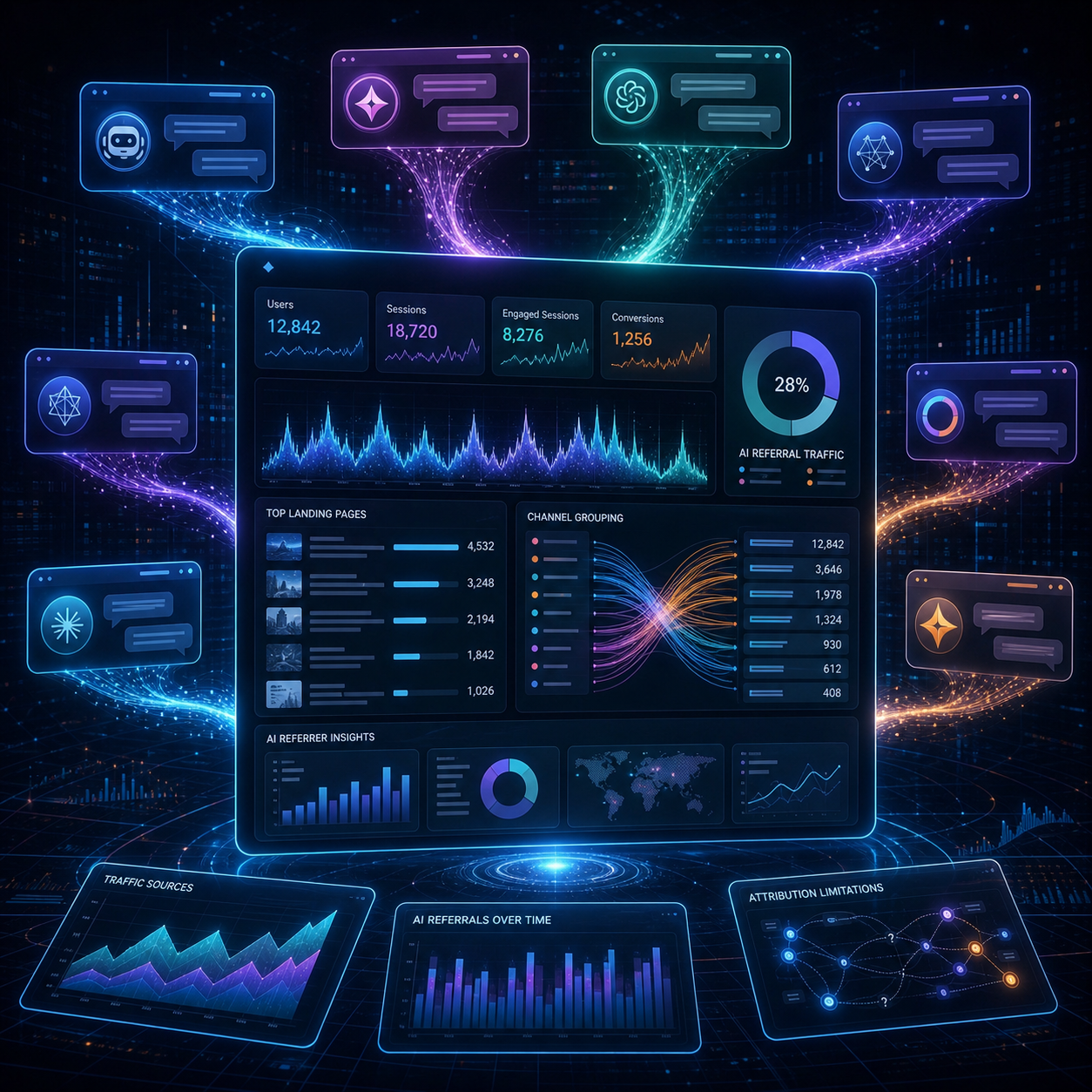
GA4 will not tell you, by default, that 47 people came to your site from ChatGPT this week. It will tell you that some people came from "chatgpt.com" under Referral, that some came from "Direct," and that some came from "Google" — and you have to do the work of separating the AI traffic out of that mess.
This is a guide to that work. I'll show you exactly what I have set up on stackjot, what it can tell me, and what it can't. The "can't" part matters because most AEO advice on this topic skips it.
What you can actually see
Before the setup, it's worth being clear about what you'll be looking at.
You can see:
- Visits that came from chatgpt.com, perplexity.ai, claude.ai, gemini.google.com, and similar hostnames
- Which pages those visits landed on
- Roughly how engaged those visitors were (time on page, scroll, etc.)
- The trend over time
You can't see:
- Which specific question they asked the AI assistant
- Whether your page was the only citation or one of several
- Visits where the referrer was stripped (you'll see those as Direct)
- Anything about people who read your content inside the AI assistant without clicking through
That third one is the hidden iceberg. AI assistants summarize your content for the user inside the chat. The user reads, gets what they need, and never clicks through. You don't show up in any analytics for that visit, but your content was still "consumed."
This means every analytics number we set up here understates the real AI-driven exposure. The number is still useful — directionally — just don't treat it as a ceiling on actual impact.
The hostname list
Here are the AI assistant hostnames that show up as referrers as of 2026:
| Hostname | Source |
|---|---|
| chatgpt.com | ChatGPT (current domain) |
| chat.openai.com | ChatGPT (legacy domain, still appears) |
| perplexity.ai | Perplexity |
| claude.ai | Claude web app |
| copilot.microsoft.com | Microsoft Copilot |
| gemini.google.com | Gemini |
| bard.google.com | Gemini (legacy, sometimes still seen) |
| duckduckgo.com | DuckAssist (mixed in with regular DDG traffic) |
| you.com | You.com AI |
| poe.com | Poe (Quora's AI hub) |
| chat.mistral.ai | Mistral chat |
The DuckDuckGo one is annoying because you can't separate DuckAssist clicks from regular DuckDuckGo search clicks at the hostname level. They share the domain. You either include duckduckgo.com and accept that some of it is regular search, or exclude it and miss the AI assistant clicks. I include it and note the limitation.
Setting up the GA4 segment
In GA4, you can't create a permanent "AI search" channel without going through the Channel Group editor, which gets complicated. The simpler approach is to create an Audience or use Explorations.
Option 1: Custom Exploration (recommended for analysis)
- Open GA4. Click Explore in the left sidebar.
- Create a new Free-form exploration.
- Drag Page path to Rows.
- Drag Sessions and Engaged sessions to Values.
- In Filters, add a filter on Session source that contains any of the hostnames above. Use OR conditions to chain them.
The result is a report showing which pages got AI-referred visits, sorted by volume. This is what you check weekly.
Option 2: Custom Channel Group (recommended for ongoing reporting)
- Go to Admin > Channel groups > Create new channel group
- Add a new channel called "AI Assistants"
- Set the condition: Source matches regex
chatgpt|perplexity|claude\.ai|copilot|gemini|bard\.google|poe\.com|mistral\.ai|you\.com - Save the channel group and select it as your reporting default
After this, your regular Acquisition reports will show "AI Assistants" as a distinct channel alongside Organic Search, Direct, etc. This is what I use for monthly reports.
Option 3: The lazy version
If you don't want to set anything up, just go to Reports > Acquisition > Traffic acquisition and search the source/medium list for "chatgpt" or "perplexity." You'll see them, just not as a single rolled-up number. This works fine for small sites checking once a month.
What the numbers actually look like
For stackjot, our breakdown last month was:
- Direct: 41% (some unknown portion is stripped-referrer AI traffic)
- Organic Search (Google + Bing): 38%
- Referral: 12% (includes AI assistants and other sites)
- AI Assistants (using our channel group): 4%
- Social: 3%
- Other: 2%
Inside that 4% AI Assistants slice, perplexity.ai is the largest by far. ChatGPT is second. Claude is small. Gemini and Copilot are barely there. This matches our manual citation tests — Perplexity links out more readily than ChatGPT does, because Perplexity's UI is built around clicking citations and ChatGPT's UI buries them slightly.
The number that surprised me: the AI Assistants line grew 6x over the past two months, while organic search grew about 1.4x in the same period. Different growth curves. The AI line is small in absolute terms but moving fast.
What to actually check each week
Once you have the setup, here's what's worth looking at and what's not.
Worth looking at:
- Total AI assistant sessions this week vs last week. Trend, not absolute number.
- Which specific landing pages are getting AI traffic. This tells you what content is being cited.
- Engagement rate on AI-referred sessions. Lower than organic search, usually, because users are coming with a specific question and bouncing once answered. That's fine.
Not worth looking at:
- Specific session counts under 50. Too noisy to draw conclusions.
- Bounce rate for AI traffic in isolation. The metric is misleading for this kind of visit.
- Conversions, if your site is content-only. People reading AI summaries are usually research stage, not ready to convert.
I check these numbers every Monday. Most weeks the change is small. Once a month or so there's a meaningful shift — usually because one specific page started getting cited for a query nobody was citing it for before.
The manual check that GA can't replace
Analytics tells you about the people who clicked. It doesn't tell you about the people who read your content inside ChatGPT without clicking. For that, you have to test manually.
Once a week, I ask each of the four major assistants (ChatGPT, Claude, Perplexity, Gemini) the same 8 to 10 questions. The questions are the topics our top posts cover. I record:
- Was stackjot cited? (yes/no)
- If yes, which page?
- Were we the primary citation or one of several?
- What was the quoted text?
This takes about 15 minutes. The spreadsheet of results is more useful than anything GA4 shows me, because it tells me which of our content is doing the actual extracting-and-citing work, regardless of whether anyone clicks through.
You can automate parts of this with the assistant APIs if you want. For a small site, manual is fine and arguably more accurate because you can read the actual quoted text.
What the data has told me so far
A few patterns from running this setup for two months:
Pattern 1: AI traffic concentrates on a few specific posts. About 70% of our AI assistant referrals land on three posts. The other 17 posts split the remaining 30%. The cited posts are not necessarily the highest-traffic ones in organic search. They are the ones structured for AI extraction.
Pattern 2: Perplexity drives more clicks than ChatGPT for the same citation. Even when ChatGPT cites us, the click-through is way lower than when Perplexity does. Perplexity users are in research mode and click. ChatGPT users get an answer and move on. This isn't a bug. It's just how the products differ.
Pattern 3: New content gets cited faster than I expected. A post published 10 days ago has already shown up in Perplexity citations for a long-tail query. Two years of SEO would have told me to expect 90 days. AI engines move faster than search engines for citation discovery, slower for ranking changes. Different rhythms.
Pattern 4: Engagement on AI-referred sessions is honestly... fine. I expected drive-by single-page visits. What I see is closer to organic search engagement. People who click through from an AI citation are often the most engaged segment of the week. Small sample, but it tracks.
The honest limits of all of this
I've been talking like the numbers mean things. They mostly do. But here's what I want you to remember:
GA4's idea of "AI Assistants" is whatever URLs you put in the channel group. Tomorrow a new AI product could launch with a different hostname. Your tracking won't include it until you update.
Some AI traffic is invisible to you. The "read but didn't click" cohort is genuinely uncountable from the publisher side. There is no fix for this.
The bigger ROI question — "is my AEO work worth the time?" — isn't answered by these numbers alone. You also need the manual citation checks. You also need a sense of which queries you should care about. You also need patience.
I don't have a clean way to dashboard all of that. I have a spreadsheet, a GA4 channel group, and a weekly habit. That's it. If you build something more elegant, I'd like to see it.
Setup time, all in
Channel group: 5 minutes. Custom exploration: 10 minutes. Manual citation check spreadsheet: 30 minutes the first week, 15 each week after.
You can be running this entire system in under an hour. The week-over-week habit is the only hard part.
If you want to understand why you're getting (or not getting) cited in the first place, read the diagnostic on why ChatGPT isn't citing your site. For the bigger strategic frame, the AEO vs SEO comparison covers how AI search fits with traditional search.
FAQ
Frequently asked questions
Does Google Analytics 4 have a built-in AI search category?
No. GA4 still groups ChatGPT, Claude, Perplexity, and Gemini referrals under 'Referral' or 'Direct' depending on how the click was sent. There's no out-of-the-box 'AI search' channel. You have to create a custom segment or report using the source hostnames yourself.
Which hostnames send traffic from AI assistants?
The main ones are chatgpt.com, chat.openai.com, perplexity.ai, claude.ai, copilot.microsoft.com, and gemini.google.com. There are a few others worth including like duckduckgo.com (for DuckAssist) and you.com. Some clicks come through redirect proxies and lose the referrer entirely — those show up as Direct.
Why does some ChatGPT traffic show up as 'Direct' instead of as a referral?
ChatGPT sometimes opens links in a way that strips the referrer, or the user copies the URL out of ChatGPT and pastes it into a fresh tab. Both of those break the referral chain. GA4 sees no source and classifies the visit as Direct. There's no clean fix for this on the publisher side — you just have to accept that some AI-driven traffic is invisible.
Can I track AI search traffic in older Universal Analytics?
Universal Analytics has been deprecated since July 2023 and stopped processing data. If you're still using it, you need to migrate to GA4 — and even GA4 has these limitations. There is no way to retroactively classify AI traffic in old UA reports.
How accurate is AI search traffic tracking?
Accurate enough to spot trends, not accurate enough for decisions that depend on exact numbers. Expect to undercount real AI-driven traffic by 20 to 40 percent because of stripped referrers and Direct attribution. The trend line matters more than any single week's count.
Tagged